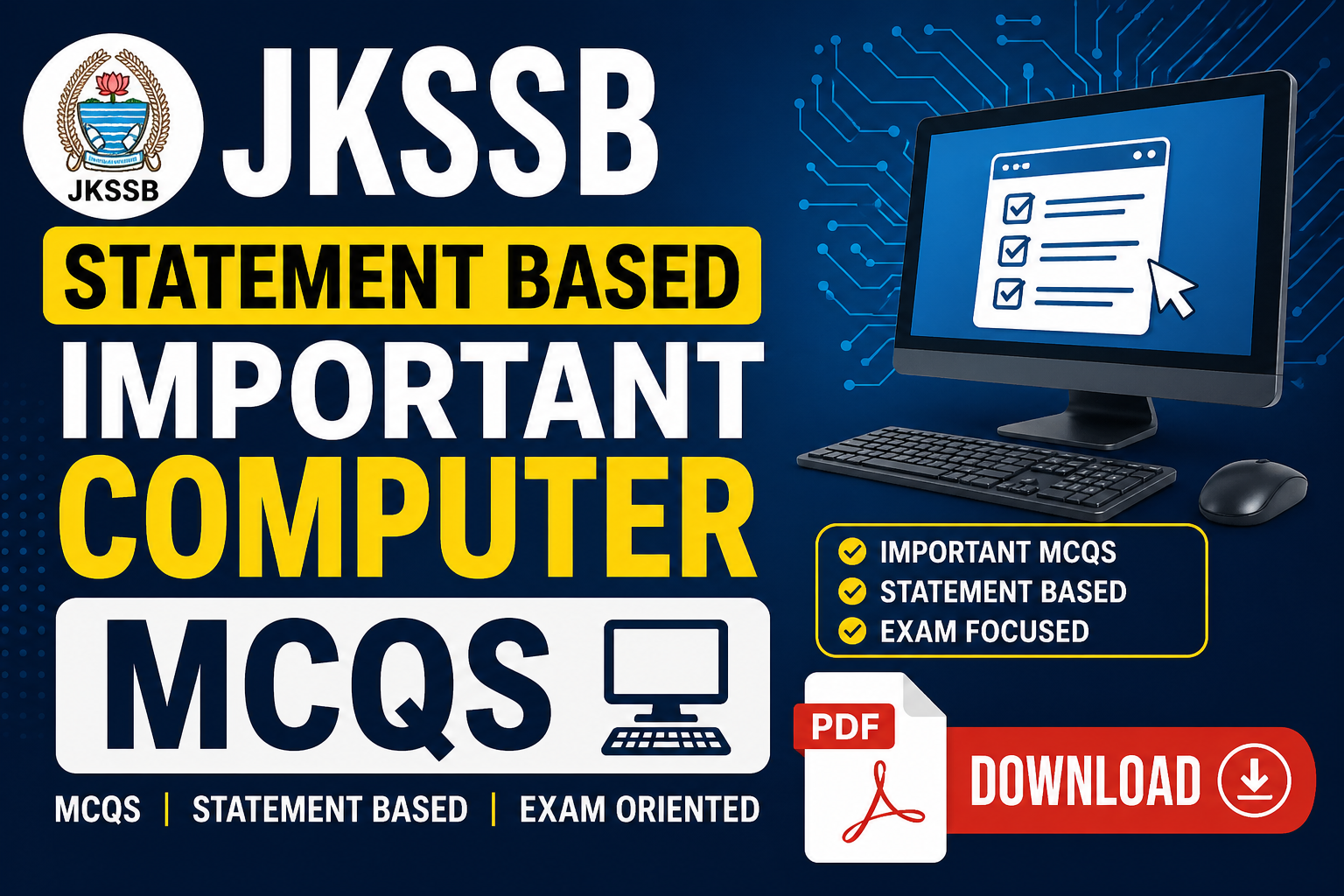
Why “statement‑based” computer MCQs matter for JKSSB 2026
If you search for “jkssb statement based important computer mcqs pdf download”, you’re likely preparing for JKSSB Junior Assistant, FAA, or other graduate‑level posts where the Computer Awareness section carries 20 marks and is heavily conceptual.
Recent JKSSB patterns prefer statement‑based questions: one‑liner statements with “correct/incorrect” or “which of the following is true?” formats that test your concept clarity, not just rote memory.
chck jkp constable full course with mock tests having statement based questions pdf available in our platform
This article serves as a ready‑to‑use textual practice set plus a clear strategy; you can later convert these questions into your own PDF and download complete syllabus PDF, practice previous year questions, and attempt free JKSSB mock tests for full‑length revision.
Featured Snippet (40–60 words)
Statement‑based computer MCQs for JKSSB 2026 are multi‑statement questions testing fundamentals of hardware, software, MS Office, internet, and networking. These questions carry fixed marks per wrong answer, so you must focus on concept clarity, shortcut keys, and error‑prone areas. Download a compiled computer MCQ PDF for practice and revise every topic from the official syllabus.
H1: JKSSB Statement Based Important Computer MCQs Strategy 2026
In JKSSB 2026 exams like Junior Assistant, jkp constable, and other exams having the Computer section has 20 marks in a Computer‑Based Test (CBT) format with 80 total questions in 80 minutes, and 0.25 negative marking per wrong answer. That means you must be fast, accurate, and concept‑strong in Computer Awareness.
What is the JKSSB computer syllabus 2026 (20 marks)?
As per the latest official update, the “Basic Concepts of Computers / Information Technology” section for JKSSB Junior Assistant and similar posts covers:
Computer fundamentals: types, generations, data vs information
Hardware & software: input/output devices, CPU, memory (RAM/ROM)
Operating systems: Windows basics, Linux awareness
MS Office: Word, Excel, PowerPoint, Access (including shortcuts)
Internet & e‑mail: browsers, search engines, URLs, protocols
Networking & cyber security: LAN/WAN, basic viruses and antivirus concepts
These are the exact areas where statement‑based MCQs appear: “Which of the following statements is true about RAM?” or “Choose the correct statement about MS Excel formulas.”
Why statement‑based computer MCQs are important for JKSSB 2026?
Statement‑based questions are now a hallmark of the latest JKSSB pattern, especially for graduate‑level posts. Instead of direct one‑liners like “Shortcut of Save is ”, the board now gives structured statements so you must:
Read carefully
Analyze each option
Understand logic, not just memorise
Because of 0.25 negative marking, one‑sided preparation (just short notes) can cost you 2–3 marks, which is significant when competition is high.
How to prepare statement‑based computer MCQs for JKSSB 2026
1. Build clear fundamentals first
Before jumping straight to PDFs or “computer mcqs for jkssb exam pdf download”, focus on concepts:
What is a computer? Electronic device for input, processing, and output.
Hardware vs software: CPU, keyboard, mouse (hardware); OS, MS Word, antivirus (software).
Primary memory: RAM (volatile) and ROM (non‑volatile).
MS Office tabs: Home, Insert, Page Layout, Review, View, etc.
These basics form the base of 90% statement‑based questions.
2. Master MS Office shortcuts and behaviour
JKSSB frequently asks statement‑based format on shortcuts and functions:
MS Word:
Ctrl+S(Save),Ctrl+B(Bold),Ctrl+I(Italic),Ctrl+U(Underline).MS Excel:
Ctrl+;(today’s date),F2(edit cell),Ctrl+Shift+;(current time).MS PowerPoint:
F5(start slideshow),Ctrl+M(new slide).
If you know the exact behaviour, you can quickly judge which statement is true/false.
3. Practice internet, networking, and security statements
Expect questions like:
“Which statement correctly describes an IP address?”
“Which of the following defines a browser correctly?”
Key points:
IP address: numerical label for devices on a network.
URL: starts with
http://orhttps://.Virus & antivirus: malware vs protection software.
Maintaining a short statement‑based formula sheet helps you revise these quickly.
Example statement‑based computer MCQs (JKSSB‑style)
Below are 10 exam‑relevant statement‑based MCQs you can treat as a mini‑practice set. Later, you can compile such questions into your own “jkssb computer mcqs pdf download” file.
Which of the following statements is correct about RAM?
A. RAM retains data permanently after power loss.
B. RAM is a type of secondary storage device.
C. RAM is volatile and loses data when the computer is turned off.
D. RAM is slower than cache memory and used only for backup.
Correct answer: CWhich statement is true about MS Word?
A. The “Page Layout” tab is used only for spell check.
B. The “Home” tab contains font, paragraph, and style options.
C. The “References” tab is used for inserting basic symbols only.
D. The “Insert” tab is used to change the theme of the entire document.
Correct answer: BWhich of the following statements about MS Excel is correct?
A. The formula always starts with a semicolon (;).
B. The active cell is highlighted with a bold border.
C. The function=SUM(A1:A5)adds values from A1 to A5.
D. Columns are represented by numbers and rows by letters.
Correct answer: CWhich statement about computer hardware is true?
A. Monitor is an input device.
B. Keyboard is an output device.
C. Printer is an output device.
D. Mouse is a processing device.
Correct answer: CWhich statement about the Internet is correct?
A. An IP address must always be in the form of an alphabetic domain.
B. The URLhttps://indicates a secure connection.
C. A router is only used for printing over the network.
D. The Internet can work without any browser.
Correct answer: BWhich of the following correctly describes an operating system?
A. An OS directly inputs data from the keyboard.
B. An OS manages hardware and allows users to run applications.
C. An OS is only required for printing documents.
D. An OS works without any drivers.
**Correct '':
Correct answer: BWhich statement about MS PowerPoint is true?
A. The “Slide Show” tab is used to insert tables.
B. The “Design” tab is used to change slide layout and themes.
C. The “Animations” tab is used to add new fonts.
D. The “Transitions” are used only for slide backgrounds.
Correct answer: BWhich statement about computer viruses is correct?
A. A virus is a hardware component that speeds up the CPU.
B. A virus is a harmful program that can damage data or system.
C. A virus is required for booting the operating system.
D. A virus automatically improves security of the system.
Correct answer: BWhich statement about primary memory is correct?
A. ROM is volatile and can be rewritten thousands of times.
B. RAM is non‑volatile and permanently stores user files.
C. Cache memory is faster than RAM but smaller in size.
D. Secondary memory is faster than primary memory.
Correct answer: CWhich statement about e‑mail is correct?
A. To send an e‑mail, you must have a physical postal address.
B. The “BCC” field hides the recipient list from other receivers.
C. An e‑mail cannot contain attachments.
D. “Subject” field is mandatory for every e‑mail.
Correct answer: B
Common mistakes to avoid in statement‑based computer MCQs
Reading only the first line of a statement and ignoring the rest.
Ignoring keywords like “always”, “never”, “only”, “must”, which often make a statement false.
Not revising MS Office shortcuts and then guessing in exam‑time.
Memorising answers without concepts, which fails when statements are slightly modified.
To avoid this, practice at least 20–25 statement‑based computer MCQs daily and note down the wrong‑statement reasons for each.
Quick revision summary (must‑remember statements)
RAM is volatile, ROM is non‑volatile.
CPU is the brain of the computer; it has ALU, Control Unit, and Registers.
MS Word Home tab = Font, Paragraph, Styles, Formatting.
MS Excel SUM function = adds a range of cells.
https:// = secure, encrypted communication.
You can convert this into a one‑page PDF or flashcard sheet and download complete syllabus PDF later to map these points with official topics.
Step‑by‑step preparation strategy for JKSSB 2026 computer section
Week 1–2: Build core concepts – computer fundamentals, hardware, software, memory.
Week 3–4: Master MS Word, Excel, PowerPoint, Access along with shortcuts.
Week 5: Revise internet, networking, e‑mail, and basic security.
Daily: Solve 10–15 statement‑based MCQs and maintain a “wrong‑reason” notebook.
Final 10 days: Attempt free JKSSB mock tests and practice previous year questions to get used to time pressure and negative marking.
9. FAQs
Q1. Where can I download JKSSB statement based computer MCQs PDF?
You can download a JKSSB computer MCQs PDF from trusted coaching sites and YouTube‑linked resources that compile 200–500 statement‑based questions for 2026. Later, you can also create your own PDF by copying these questions into a word file and saving it as PDF for practice.
Q2. How many computer questions are asked in JKSSB Junior Assistant 2026?
As per the latest official update, the Junior Assistant exam has 80 questions in total, out of which 20 questions are from the computer section, carrying 20 marks and 0.25 negative marking per wrong answer.
Q3. Are statement‑based computer MCQs important for JKSSB 2026?
Yes. Recent JKSSB papers and strategy videos highlight that the board is shifting towards statement‑based and analytical MCQs in both General Awareness and Computer Science, so this pattern is now a high‑weightage trend for 2026 exams.
Q4. Which topics should I focus on for JKSSB computer section 2026?
Focus on computer fundamentals, hardware, software, operating systems, MS Office (Word, Excel, PowerPoint, Access), internet & e‑mail, networking basics, and computer security. These topics are clearly mentioned in the latest JKSSB syllabus and repeatedly tested through statement‑based MCQs.
Q5. How can I quickly revise computer section before JKSSB 2026 exam?
For quick revision, prepare a one‑page checklist of key statements for RAM/ROM, CPU parts, MS Office tabs, shortcuts, and internet terms, then attempt free JKSSB mock tests and practice previous year questions to test your recall under exam‑like conditions.
Q6. Is there negative marking in JKSSB computer MCQs 2026?
Yes, as per the latest official pattern, each wrong answer carries 0.25 negative marks in the computer section of JKSSB Junior Assistant and similar posts; so random guessing can reduce your score. It is better to attempt only those statement‑based questions where you are 70–80% confident.
Q7. How can I generate my own computer MCQ PDF for JKSSB?
You can note down 150–200 statement‑based computer MCQs (covering fundamentals, MS Office, internet, networking, security) in a Word file, number them properly, and then save as PDF. This custom PDF will match your pace and difficulty level better than any generic “computer mcqs pdf for jkssb exam download” file.
Q8. Can I score full marks in JKSSB computer section 2026?
Yes, because computer is a high‑scoring section where concepts are limited and repeatable. With clear understanding of fundamentals, strong MS Office shortcuts, and regular practice of statement‑based MCQs